
Learning Infrahub: Dynamic Schema
In this blog series I’m going to learn Infrahub - the tool promising to solve data problems in infrastructure automation. I’m publishing blogs as my learning progresses. I’m not documenting all the details; instead, I’m focusing on concepts.
If you are familiar with traditional Source of Truth systems, such as NetBox or Nautobot, you might find it weird Infrahub does not have any schema by default. NetBox has data models for things like Site or Device - Infrahub has nothing when you install it. This is on purpose. They don’t want to restrict you - instead they provide a powerful toolset which helps you to define your own schema. This is a dynamic schema and it is a topic I’m learning today.
I read Infrahub documentation and tested things out in my local Infrahub setup to confirm what I have learned.
My first schema
This is my first schema definition:
# yaml-language-server: $schema=https://schema.infrahub.app/infrahub/schema/latest.json
---
version: "1.0"
nodes:
  - name: Site
    namespace: Network
    human_friendly_id: ['sitename__value']
    attributes:
      - name: sitename
        kind: Text
      - name: description
        kind: Text
        optional: true
  - name: Device
    namespace: Network
    human_friendly_id: ['hostname__value']
    attributes:
      - name: hostname
        kind: Text
        unique: true
    relationships:
      - name: site
        cardinality: one
        peer: NetworkSite
        kind: Attribute
I just wanted to define models for sites and devices and link them together. Infrahub calls these models 'nodes' in the schema. Nodes can have attributes and relationships. Both need to have a 'kind' which defines their type. When a user adds an instance of a node you have defined, Infrahub validates and enforces their attributes to follow the rules associated with kind.
Infrahub generates a UI from schema. I added a couple of objects via the UI and this is how it looks:
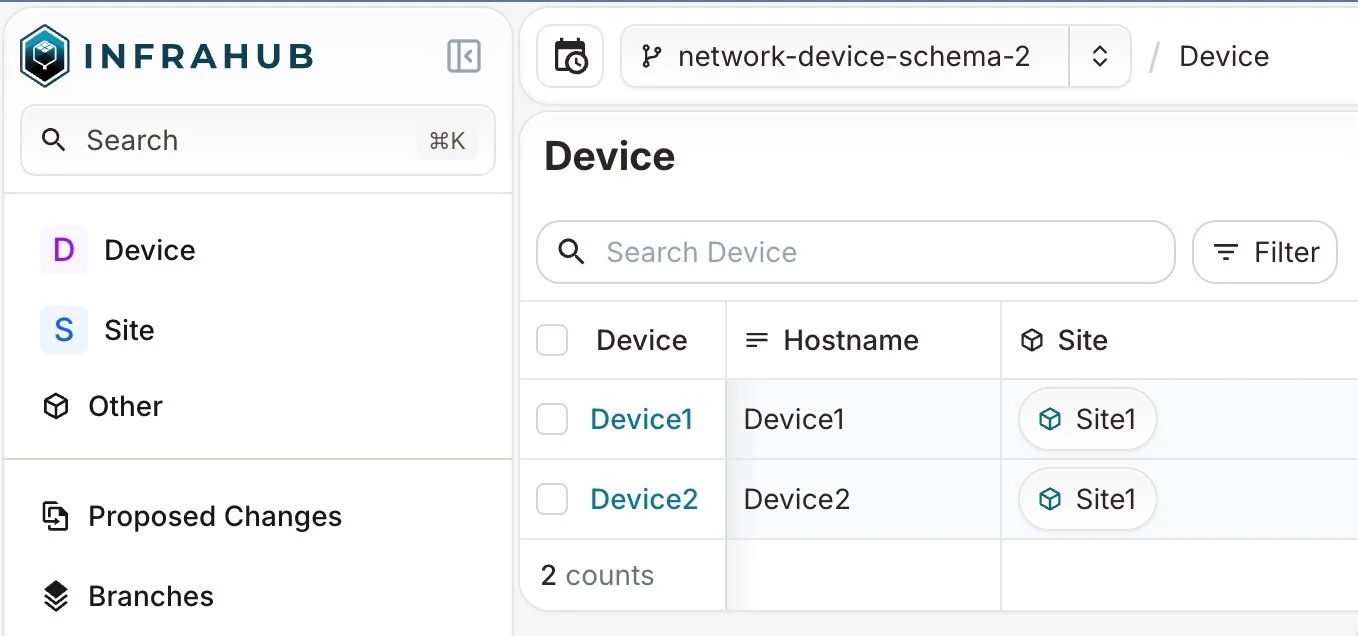
List view of Device objects.
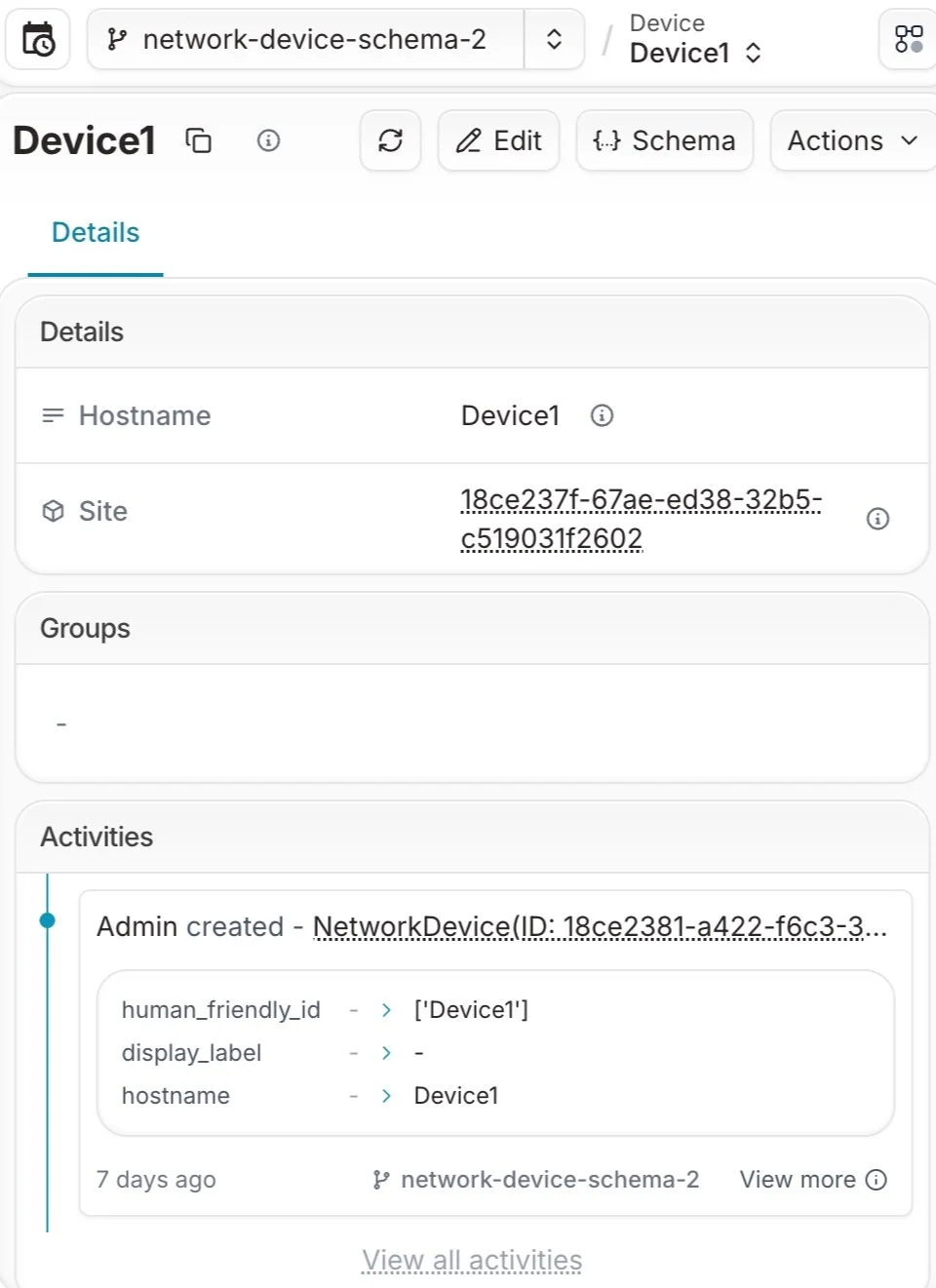
Detailed view of single Device object.
When you write a schema file, you can (and should) make your editor (e.g. VS code) validate the yaml schema of the schema file.
Somebody else's schema
There are a lot of common use cases and schemas people are used to. It doesn’t make sense that everyone is writing these schemas over and over again.
For that reason Infrahub Marketplace exists. You can search and download schemas and modify them if you like to. This way you don’t need to start from scratch.
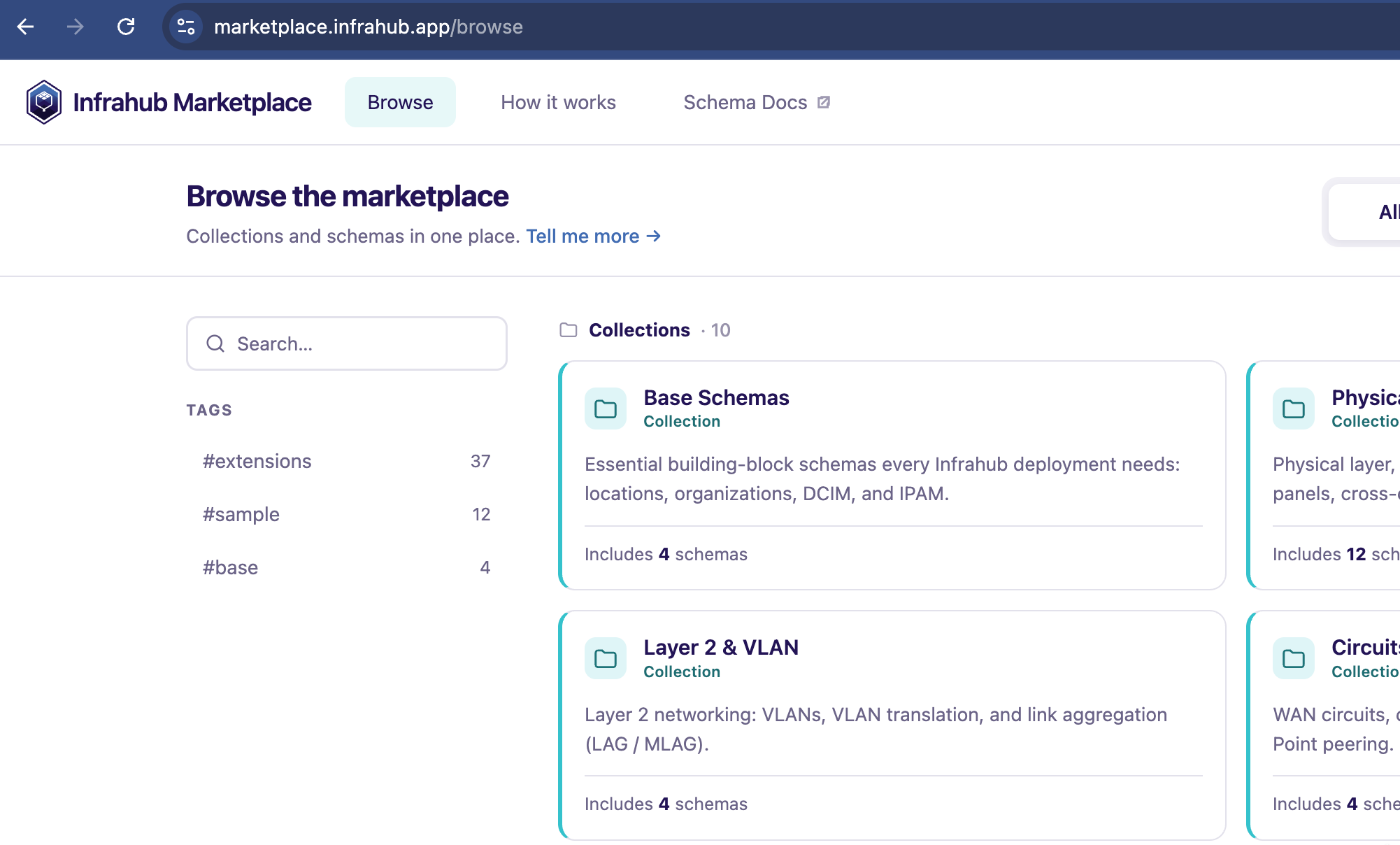
Infrahub marketplace
Conclusion
I have now covered the basics of schemas in Infrahub. They are very flexible - you can define what you want.
There are lots of very useful features I will cover in upcoming blogs. Stay tuned.
